

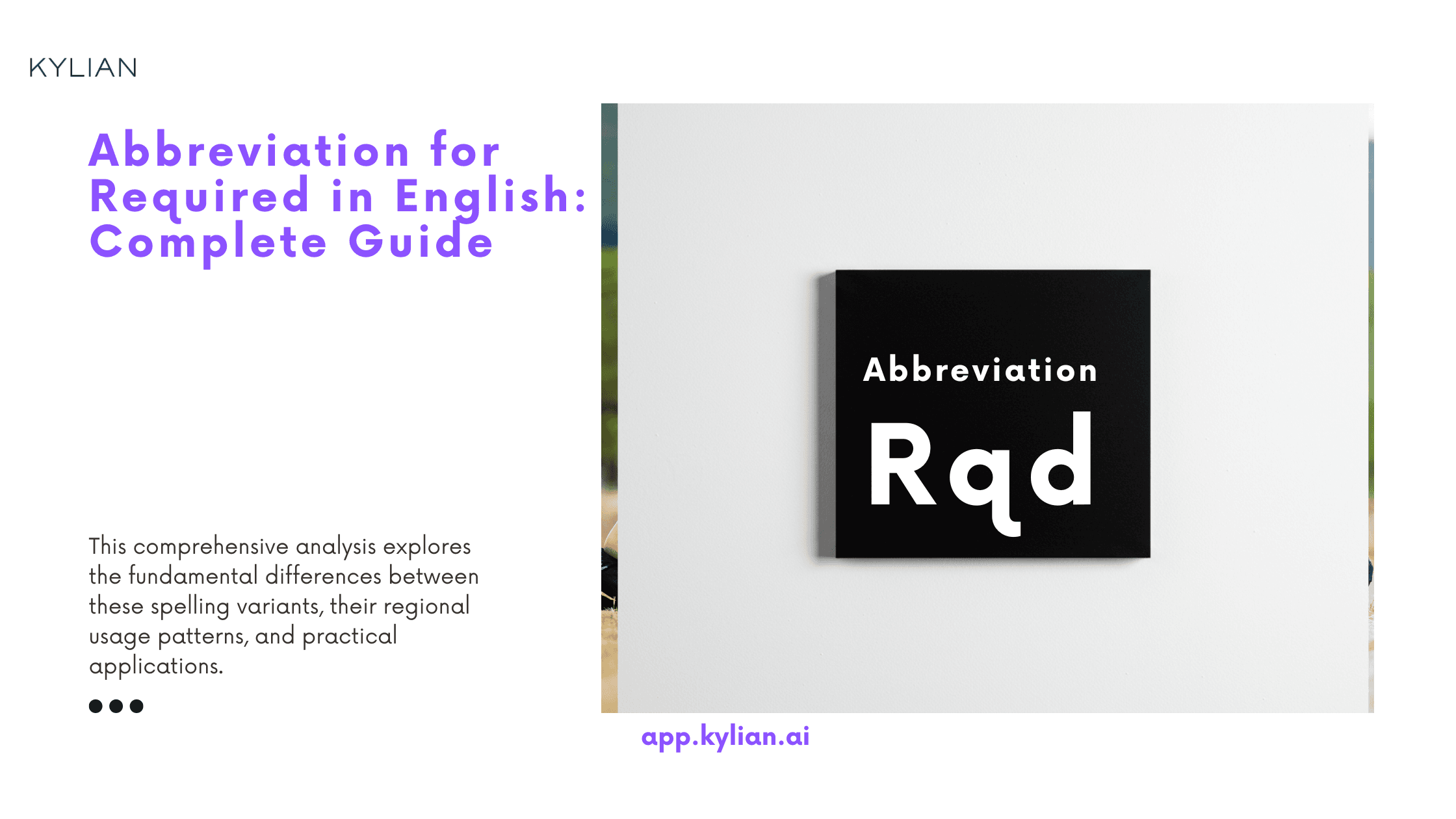
Communication efficiency remains critical in professional environments where brevity often trumps verbosity. Understanding standard abbreviations serves as a fundamental skill for anyone navigating workplace correspondence, academic documentation, or technical writing. The abbreviation for "required" stands among these essential contractions—a small linguistic tool with significant practical implications.
This guide examines the abbreviation for "required" from multiple angles: its standardized forms, contextual applications, and potential alternatives. By mastering this specific abbreviation, you'll enhance both your written communication and comprehension skills in professional settings where precision matters.
What is the Abbreviation for Required?
The standard abbreviation for "required" is "req." or "reqd." These concise forms maintain clarity while saving valuable space in documents where character count matters.
While "req." represents the most commonly accepted abbreviation in most professional contexts, "reqd." offers an alternative that some style guides prefer. Both function effectively as recognized contractions of the complete word.
The choice between these variations often depends on:
- The specific style guide being followed
- Industry conventions
- Personal or organizational preference
- The formality level of the communication
When clarity remains paramount, using the full word "required" eliminates any potential ambiguity, particularly in formal documents or when communicating with audiences unfamiliar with specialized abbreviations.
When to Use Abbreviations for Required?
Understanding when to deploy abbreviations versus full words requires strategic judgment based on context and audience considerations.
Forms and Documentation
Forms and structured documents constitute ideal environments for abbreviation usage, where:
- Space limitations necessitate concision
- Visual scanning efficiency matters
- Repeated terms would create unnecessary clutter
On application forms, you'll frequently encounter "req." adjacent to fields demanding mandatory information, serving as a visual indicator of necessity.
Technical Documentation
Technical writing embraces abbreviations to maintain document flow while preserving information density. In user manuals, specification sheets, and procedural documentation, "req." or "reqd." appears regularly to denote necessary components, steps, or specifications.
Consider the practical application in a software implementation guide:
System Requirements:
- Operating System: Windows 10 or higher (req.)
- Memory: 8GB RAM (req.)
- Storage: 256GB SSD (recommended)
This format allows technical readers to quickly identify non-negotiable specifications versus optional recommendations.
Academic Writing
Academic contexts generally favor full word usage over abbreviations, except in specific situations:
- Tables and figures with space constraints
- Citations and bibliographies following style guides like APA, MLA, or Chicago
- Specialized notation systems within specific disciplines
Most academic style guides discourage extensive abbreviation usage in main text content, reserving contractions primarily for reference sections and visual elements.
Business Communication
Professional correspondence follows similar principles, where abbreviation appropriateness depends on:
- Communication formality
- Audience familiarity
- Document type
- Organizational culture
Email subject lines and project management tools often benefit from abbreviations like "req." to maximize information density in limited spaces. However, formal business proposals, contracts, and external communications typically warrant full word usage to ensure universal comprehension.
How to Write Required in the Abbreviated Form
Mastering abbreviation mechanics involves understanding standard formatting conventions that ensure clarity and professionalism.
Basic Format
The primary abbreviations follow straightforward patterns:
- req. – The most common form, using the first three letters followed by a period
- reqd. – An alternative form indicating past tense through the addition of "d"
Both versions require terminal punctuation (the period) to signal their status as abbreviations rather than complete words.
Capitalization Rules
Capitalization follows contextual rules:
- Sentence beginnings: "Req." (capitalized initial letter)
- Mid-sentence usage: "req." (lowercase throughout)
- Headers and titles: Follows the document's title case conventions
- All-caps contexts: "REQ." (maintains the capitalization pattern of surrounding text)
This flexibility allows the abbreviation to integrate seamlessly into various document structures.
Singular and Plural Forms
For plurality, standard English conventions apply:
- Singular: req. or reqd.
- Plural: reqs. (adding "s" before the terminal period)
The plural form demonstrates particular utility in requirement listings and specification documents where multiple necessities appear.
Examples of Using Abbreviation for Required in Sentences
Contextual examples illustrate proper implementation across different communication scenarios.
In Forms and Applications
Form instructions frequently employ abbreviated notation:
Complete all fields marked 'req.' before submission.
Employee ID (req.): ________________
Emergency Contact Information (req.): Name: _________________ Phone: _________________
In Technical Documentation
Technical contexts leverage abbreviations for efficiency:
The server upgrade process requires 5GB of free disk space (req.) and administrative access (req.).
Installation Prerequisites:
- Java Runtime Environment 11 or higher (req.)
- Network connectivity (req.)
- GPU support (optional)
In Business Communication
Professional correspondence balances abbreviation with clarity:
Please review the req. documents before Friday's meeting.
The client has marked certain deliverables as req. for project completion.
All team members must complete security training (req.) by month-end.
In Academic Writing
Academic usage remains more selective:
The study participants completed both req. surveys during the initial assessment phase.
Table 3: Equipment Parameters (*req. = manufacturer specified)
Appendix B contains all req. statistical analyses as specified by the ethics committee.
Digital Communication and Abbreviation Evolution
The digital revolution has transformed abbreviation usage, creating new contexts and conventions for traditional contractions.
Online Forms and User Experience
Digital interfaces have revolutionized form design, where:
- Color-coding supplements or replaces "req." markers
- Asterisks (*) often substitute for explicit "required" notations
- Dynamic validation provides real-time feedback on required fields
This evolution demonstrates how visual design elements increasingly complement or replace textual abbreviations in digital environments.
Project Management Software
Contemporary project management platforms integrate abbreviation conventions into their systematic approaches:
- Task tickets mark required elements with "req." tags
- Priority systems use "req." to indicate non-negotiable deliverables
- Documentation templates incorporate standard "req." notations
These implementations demonstrate how traditional abbreviations maintain relevance within modern productivity systems.
Email and Messaging Platforms
Digital communication continues to leverage abbreviated forms:
- Subject lines: "Action req.: Quarterly report submission"
- Message prioritization: "req. response by EOD"
- Calendar invitations: "Attendance req."
The abbreviation's persistence across evolving communication technologies testifies to its enduring utility.
Common Misconceptions About Required Abbreviations
Several misconceptions surround abbreviation usage, warranting clarification.
Confusion with Similar Abbreviations
"Req." occasionally generates confusion with related abbreviations:
- req. (required) vs. req. (request) - Context typically resolves this potential ambiguity
- req. (required) vs. requ. (requisition) - The extra letter differentiates
- reqd. (required) vs. recd. (received) - Visual similarity can cause misreading
When ambiguity potential exists, using the full word "required" eliminates interpretation errors.
Formal vs. Informal Usage
Many writers misconstrue abbreviation appropriateness across contexts:
- Myth: Abbreviations are always informal
- Reality: Context determines formality, not abbreviation usage itself
- Myth: Professional documents should avoid all abbreviations
- Reality: Many official style guides sanction specific abbreviations in appropriate contexts
Understanding these nuances helps writers make informed decisions about when abbreviation usage enhances rather than diminishes communication.
International Understanding
Global communication introduces additional considerations:
- English abbreviations may not translate intuitively across languages
- International audiences might require explicit clarification
- Some regions use different abbreviation conventions for identical concepts
For multinational correspondence, providing clarification on first usage often prevents misunderstanding.
Alternative Abbreviations and Symbols
Beyond standard abbreviations, several alternatives exist for denoting "required" status.
Symbolic Notations
Visual symbols often replace or supplement textual abbreviations:
- Asterisk (*) - The most common symbolic indicator
- Red text/highlighting - Color-based signaling
- Bold formatting - Typographical emphasis
- Requirement levels: (mandatory), [essential], {critical}
These visual markers provide immediate recognition without requiring abbreviation interpretation.
Required Field Indicators
Form design employs specialized conventions:
- Parenthetical notation: (required)
- Symbolic: * or †
- Color-coding: red borders or text
- Interactive elements: highlighting incomplete required fields
These systems demonstrate how communication design evolves beyond pure textual abbreviation.
Industry-Specific Alternatives
Specialized fields develop their own notation systems:
- Software development: "REQ:" or "R:" prefix in requirements documentation
- Healthcare: "MR" (mandatory requirement) in protocol documentation
- Government contracting: "M" (mandatory) vs. "D" (desirable) in RFP responses
- Academic research: "CR" (core requirement) in grant applications
These specialized systems showcase how abbreviation conventions adapt to discipline-specific needs.
Digital Age Innovations in Required Field Marking
The digital transformation has introduced innovative approaches to required element indication that extend beyond traditional abbreviations.
Interactive Form Design
Modern interfaces implement dynamic required field indicators:
- Real-time validation with visual feedback
- Contextual help explaining requirement rationale
- Progressive disclosure revealing requirements based on previous inputs
- Accessibility features communicating required status to screen readers
These innovations demonstrate how user experience design principles influence contemporary approaches to requirement indication.
AI-Assisted Form Completion
Emerging technologies transform requirement handling:
- Intelligent systems identifying likely required information
- Predictive completion suggesting appropriate required field content
- Automated validation confirming required data integrity
- Context-aware assistance explaining requirement purposes
These developments signal how artificial intelligence increasingly supplements traditional abbreviation systems in digital environments.
Standardization Efforts
Industry initiatives seek to harmonize required field indication:
- W3C accessibility guidelines for required field marking
- ISO standards for form design and requirement notation
- Industry-specific standardization efforts
- Cross-platform consistency initiatives
These standardization movements reflect recognition of the importance of consistent requirement indication across digital platforms.
Avoiding Ambiguity in Communication
Strategic approaches minimize potential confusion when using abbreviations.
Clarification on First Use
Document clarity benefits from explicit definition:
All items marked "req." (required) must be completed before submission.
This approach establishes clear understanding while maintaining abbreviation efficiency in subsequent usage.
Consistent Application
Maintaining terminology consistency enhances comprehension:
- Using the same abbreviation format throughout a document
- Applying consistent visual markers alongside abbreviations
- Maintaining parallel structure in requirement listings
- Creating abbreviation glossaries for complex documents
This consistency creates predictable patterns that readers can easily internalize.
Context-Appropriate Choices
Strategic decision-making guides appropriate usage:
- Evaluating audience familiarity before employing abbreviations
- Considering document formality requirements
- Assessing potential for misinterpretation
- Balancing space constraints against clarity needs
This contextual assessment ensures abbreviations enhance rather than impede communication.
Learn Any Language with Kylian AI
Private language lessons are expensive. Paying between 15 and 50 euros per lesson isn’t realistic for most people—especially when dozens of sessions are needed to see real progress.

Many learners give up on language learning due to these high costs, missing out on valuable professional and personal opportunities.
That’s why we created Kylian: to make language learning accessible to everyone and help people master a foreign language without breaking the bank.
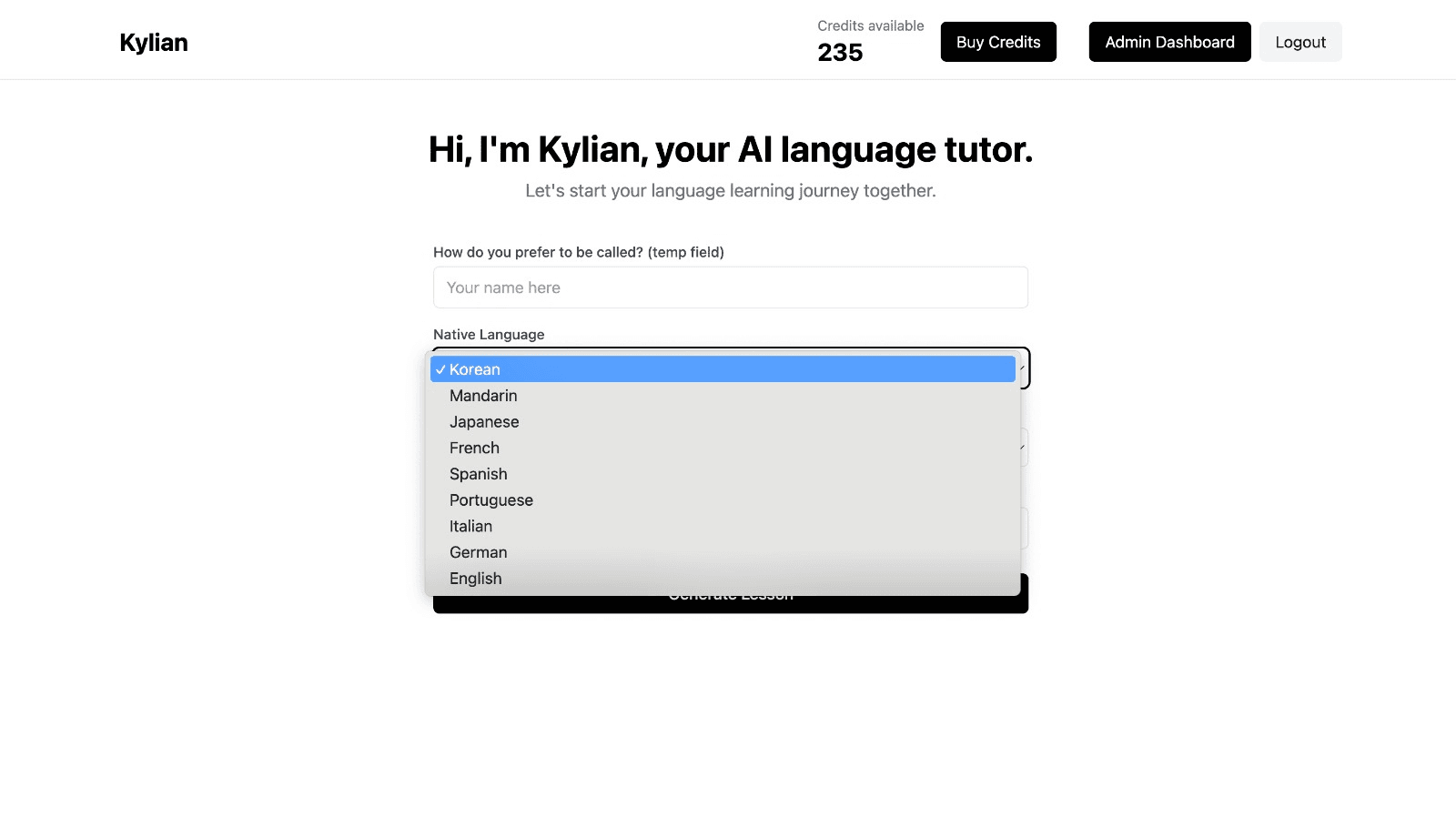
To get started, just tell Kylian which language you want to learn and what your native language is
Tired of teachers who don’t understand your specific struggles as a French speaker? Kylian’s advantage lies in its ability to teach any language using your native tongue as the foundation.
Unlike generic apps that offer the same content to everyone, Kylian explains concepts in your native language (French) and switches to the target language when necessary—perfectly adapting to your level and needs.
This personalization removes the frustration and confusion that are so common in traditional language learning.
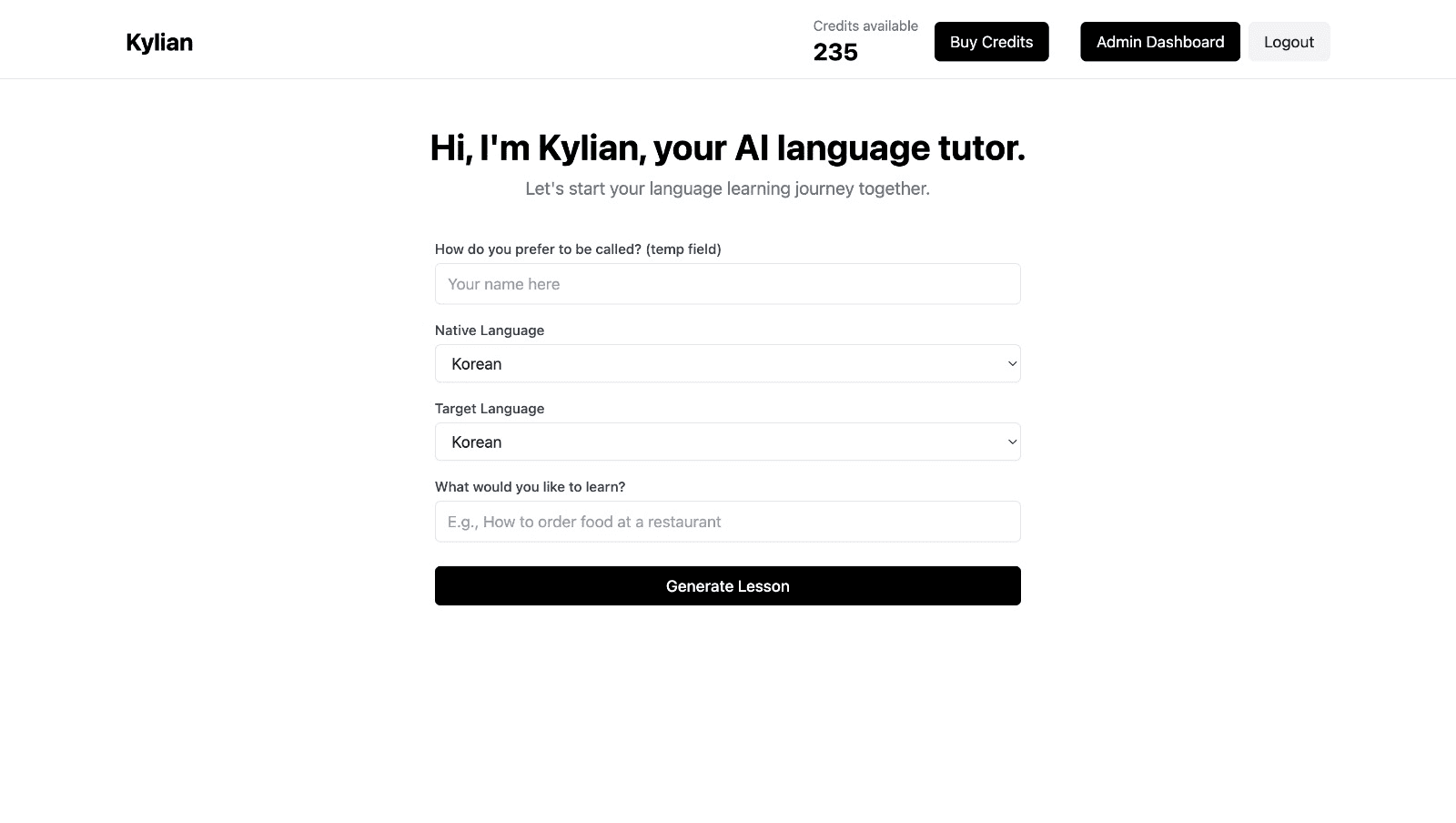
Choose a specific topic you want to learn
Frustrated by language lessons that never cover exactly what you need? Kylian can teach you any aspect of a language—from pronunciation to advanced grammar—by focusing on your specific goals.
Avoid vague requests like “How can I improve my accent?” and be precise: “How do I pronounce the R like a native English speaker?” or “How do I conjugate the verb ‘to be’ in the present tense?”
With Kylian, you’ll never again pay for irrelevant content or feel embarrassed asking “too basic” questions to a teacher. Your learning plan is entirely personalized.
Once you’ve chosen your topic, just hit the “Generate a Lesson” button, and within seconds, you’ll get a lesson designed exclusively for you.
Join the room to begin your lesson
The session feels like a one-on-one language class with a human tutor—but without the high price or time constraints.
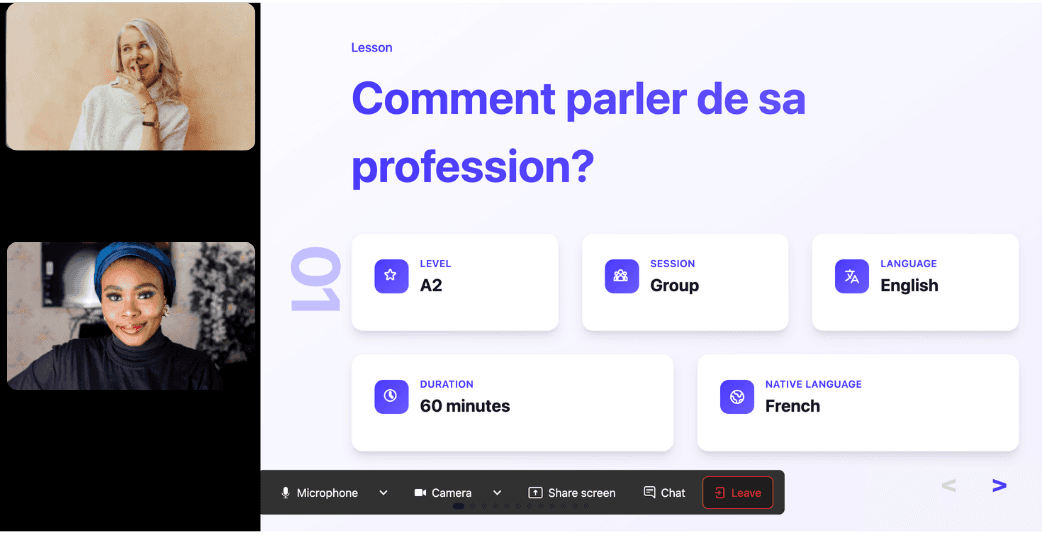
In a 25-minute lesson, Kylian teaches exactly what you need to know about your chosen topic: the nuances that textbooks never explain, key cultural differences between French and your target language, grammar rules, and much more.

Ever felt frustrated trying to keep up with a native-speaking teacher, or embarrassed to ask for something to be repeated? With Kylian, that problem disappears. It switches intelligently between French and the target language depending on your level, helping you understand every concept at your own pace.
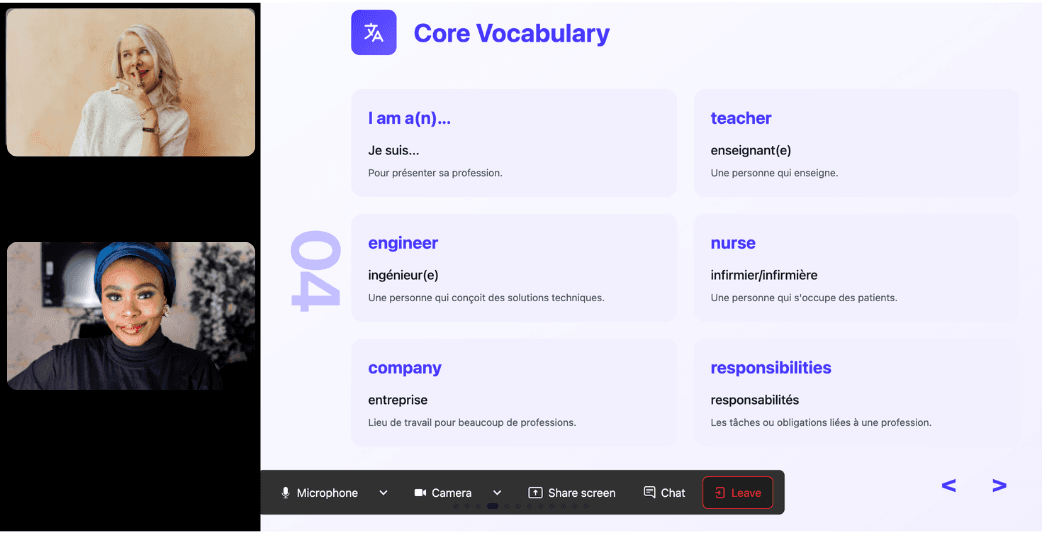
During the lesson, Kylian uses role-plays, real-life examples, and adapts to your learning style. Didn’t understand something? No problem—you can pause Kylian anytime to ask for clarification, without fear of being judged.
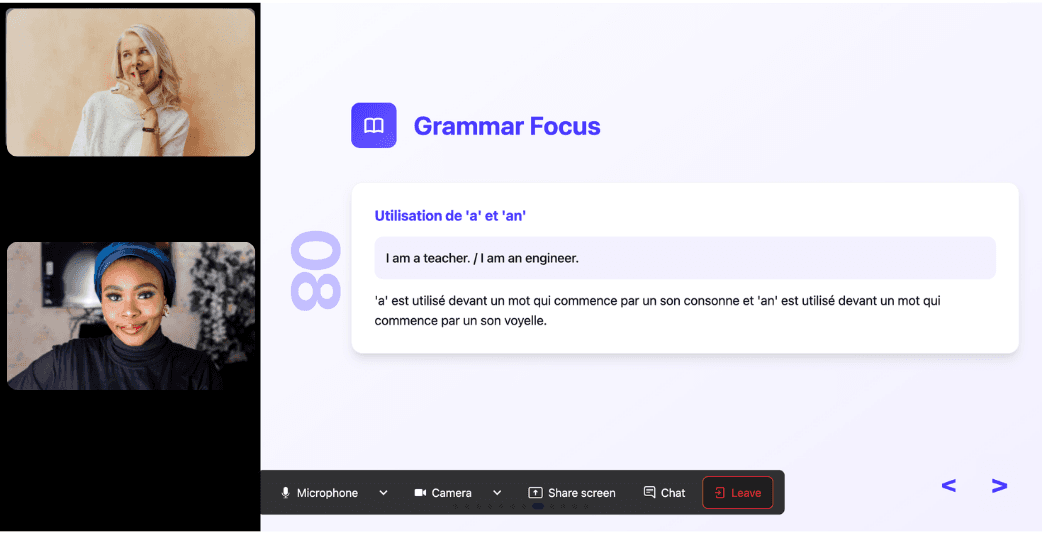
Ask all the questions you want, repeat sections if needed, and customize your learning experience in ways traditional teachers and generic apps simply can’t match.

With 24/7 access at a fraction of the cost of private lessons, Kylian removes all the barriers that have kept you from mastering the language you’ve always wanted to learn.
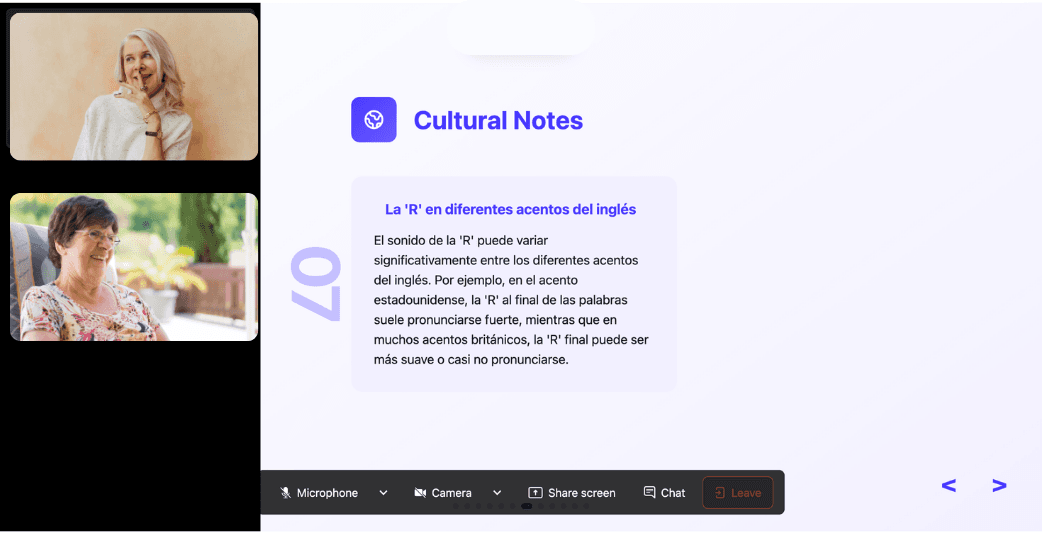


![How Do You Use "i.e." in a Sentence? [English]](/_next/image?url=https%3A%2F%2Fcdn.sanity.io%2Fimages%2F147z5m2d%2Fproduction%2F3570caec5b072894912ef54ccdc16077261a2a65-2240x1260.png%3Frect%3D175%2C0%2C1890%2C1260%26w%3D600%26h%3D400&w=3840&q=75)

